


BC Game Denmark mobile access opens the same account used on desktop. The phone changes the layout, not the Wallet, My Bets history or bonus state.
Android can start in Chrome
The responsive BC.GAME site provides direct access without installing an APK.
When BC.GAME itself displays an Android installation option, use that platform-provided route instead of downloading a package from elsewhere.
Add the site to the Android Home Screen
Chrome can create a shortcut to BC.GAME for faster access.
The shortcut points to the existing account and does not create a new mobile balance.
Use Safari on iPhone and iPad
Open BC.GAME, use Share and choose Add to Home Screen.
The icon works as an access point to the same web profile.
Casino tools remain useful on a smaller screen
Search and Favourites reduce the amount of scrolling needed in a large catalogue.
Live Casino and BC Originals remain available according to the current mobile interface.
My Bets makes Sportsbook mobile especially useful after placement
Once a ticket has been accepted, the phone is an easy place to check settlement without reopening the full match page.
That makes mobile valuable even when no new bet is planned.
BC Game Wallet remains a full mobile product
Deposit, Withdraw, Swap, Transaction and Rollover remain available.
A user can therefore manage funds or promotions without opening Casino or Sportsbook.
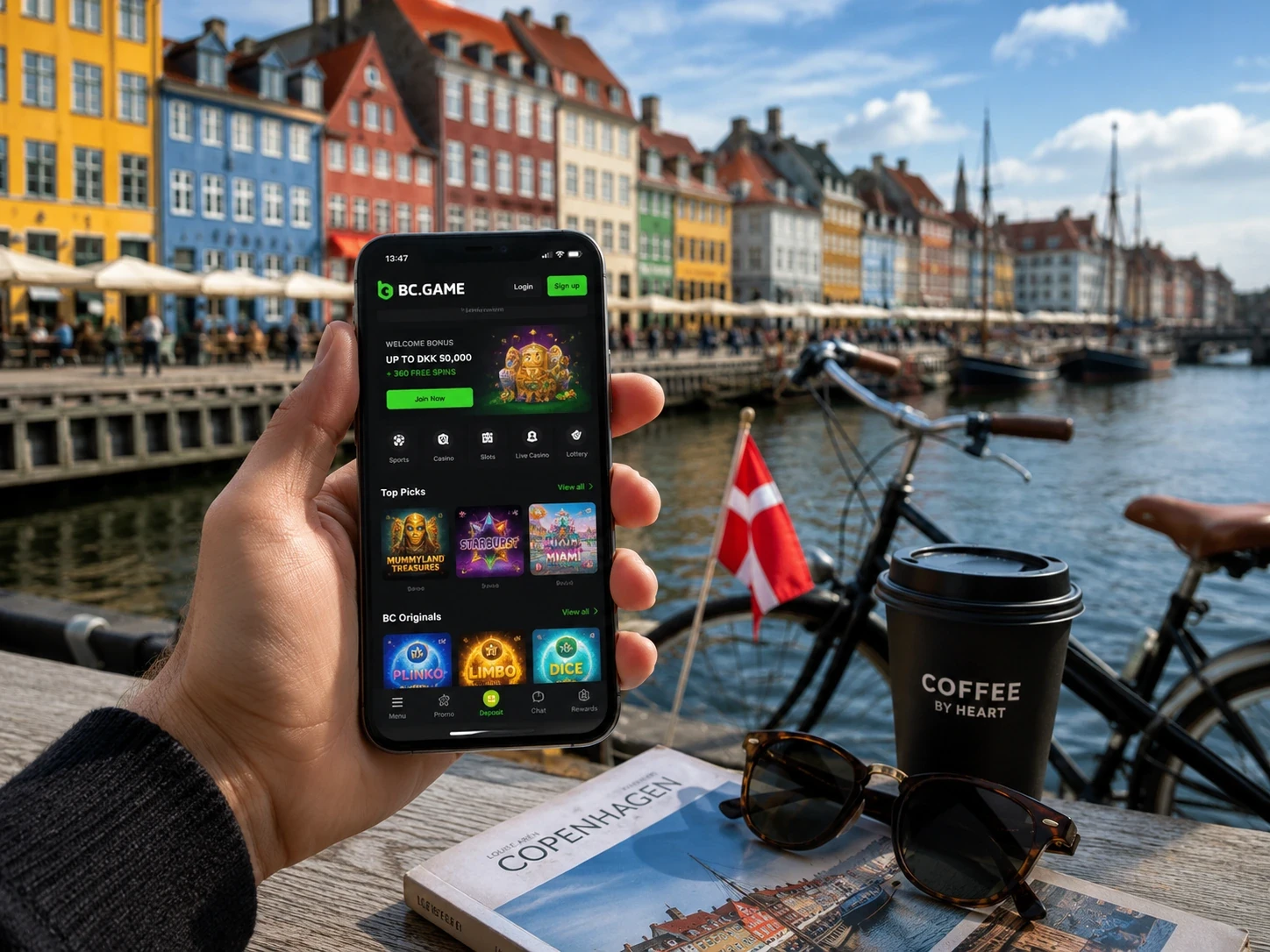
A new phone should use the existing login route
Email and phone users should return with the original identifier; Google and Telegram users should use the same connected provider.
A known ticket, Favourite or Transaction can help confirm that the correct profile has opened.
2FA depends on correct device time
Google Authenticator codes refresh roughly every 30 seconds.
If valid-looking codes fail repeatedly, synchronising the phone clock is a sensible first check.
Connection changes matter most for live products
Live Casino and live betting react more visibly to Wi-Fi or mobile-data interruptions because video, timers and prices keep moving.
After reconnecting, My Bets or Casino history should be checked before assuming an action was accepted.
Mobile Support uses the same references as desktop
TxID, ticket ID and round ID keep the same meaning regardless of the device.
A case can begin on mobile and continue later from a computer without changing its core reference.
| Mobile route | Use |
| Chrome Android | Responsive access without APK |
| Official Android install | Use only when shown by BC.GAME |
| Android Home Screen | Shortcut to the web profile |
| Safari iPhone/iPad | Full browser access |
| Add to Home Screen iOS | Icon to the same account |
The browser route is not a lesser version of BC Game
Chrome and Safari can open the full responsive platform, including Casino, Sportsbook, Wallet, Bonus and Support.
An installation can improve convenience, but it is not required to create the real account experience.
Home Screen icons are easy to replace
If a shortcut becomes outdated or points to an old route, remove it and create a new one from the current BC.GAME page.
Nothing important is stored inside the icon itself.
Mobile Favourites reduce friction between sessions
A player can save games during a longer desktop session and later reopen them from a phone.
The shortlist belongs to the profile rather than to the browser where it was first created.
A mobile ticket remains useful long after placement
My Bets is often more useful than the event screen after the bet has been accepted.
Checking the ticket from a phone later can show settlement without requiring the user to remember the original market page.
Wallet tools make sense on mobile even without play
Deposit, Withdraw, Swap and Transaction are practical phone tasks in their own right.
BC Game Denmark mobile therefore serves both entertainment and account management.
Changing phones should not mean changing identity
The safest route is to recover the existing profile through its original login method.
Creating another account simply because the device changed can make balances and histories harder to identify.
2FA problems are sometimes device-time problems
Authenticator codes depend on a shared clock. If the phone time is wrong, the number can look correct while the server rejects it.
Time synchronisation is therefore a sensible check before assuming the account itself is broken.
Support does not become a different service on mobile
The same official channels and case identifiers apply whether the user starts the conversation on a phone or desktop.
That continuity makes it easy to continue a case later from another device.
Mobile access keeps the same product priorities
Casino remains about games, Sportsbook about tickets and Wallet about funds even when the interface is compressed for a phone.
The smaller screen changes presentation rather than the purpose of each section.
A phone can bridge two longer desktop sessions
Checking a settled ticket or Deposit on mobile lets the user keep track of the account without reopening the full desktop environment.
Later, the same profile can continue from where it left off.
Installing is optional; account continuity is not
The official Android route can be useful, but the responsive browser remains a complete access path.
What matters is reopening the same profile, not the specific icon used to reach it.
BC Game mobile should feel familiar rather than simplified
The same labels and histories help the user move between desktop and phone without relearning the account.
Consistency matters more than turning mobile into a separate product.
The mobile route should reduce friction, not create new steps
Opening the same profile quickly is the main benefit.
Whether the user chooses browser access or an official install route, the account experience should remain familiar.
Mobile continuity matters more than installation format
The key benefit is reopening the same BC Game Denmark profile with the same Wallet, tickets, favourites and promotion state.
App FAQ
Do I need a separate BC Game mobile account?
No. Mobile access uses the same Wallet, tickets, bonuses and Security settings.
Can Android use BC Game without an APK?
Yes. The responsive BC.GAME site works directly in Chrome.
How do I add BC Game on iPhone?
Open BC.GAME in Safari, choose Share and then Add to Home Screen.
Does changing phones reset Rollover?
No. Rollover and promotion state remain attached to the profile.